Live Activities
Keep arrivals on your Lock Screen
Follow the buses you need while you walk, wait, or use another app.
Start a Live Activity
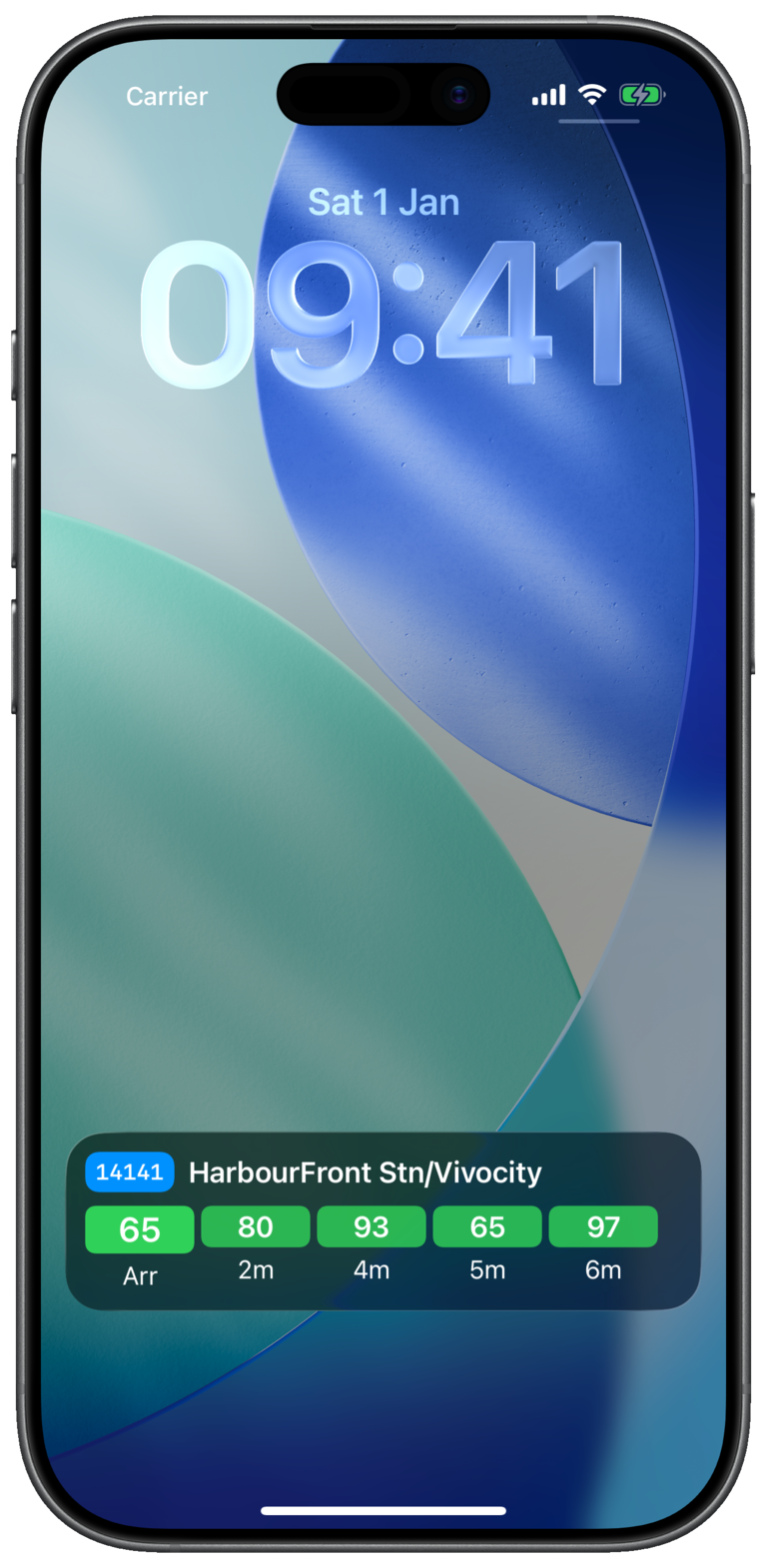
Live Activities show current arrival estimates without requiring you to reopen Bus Atas SG.
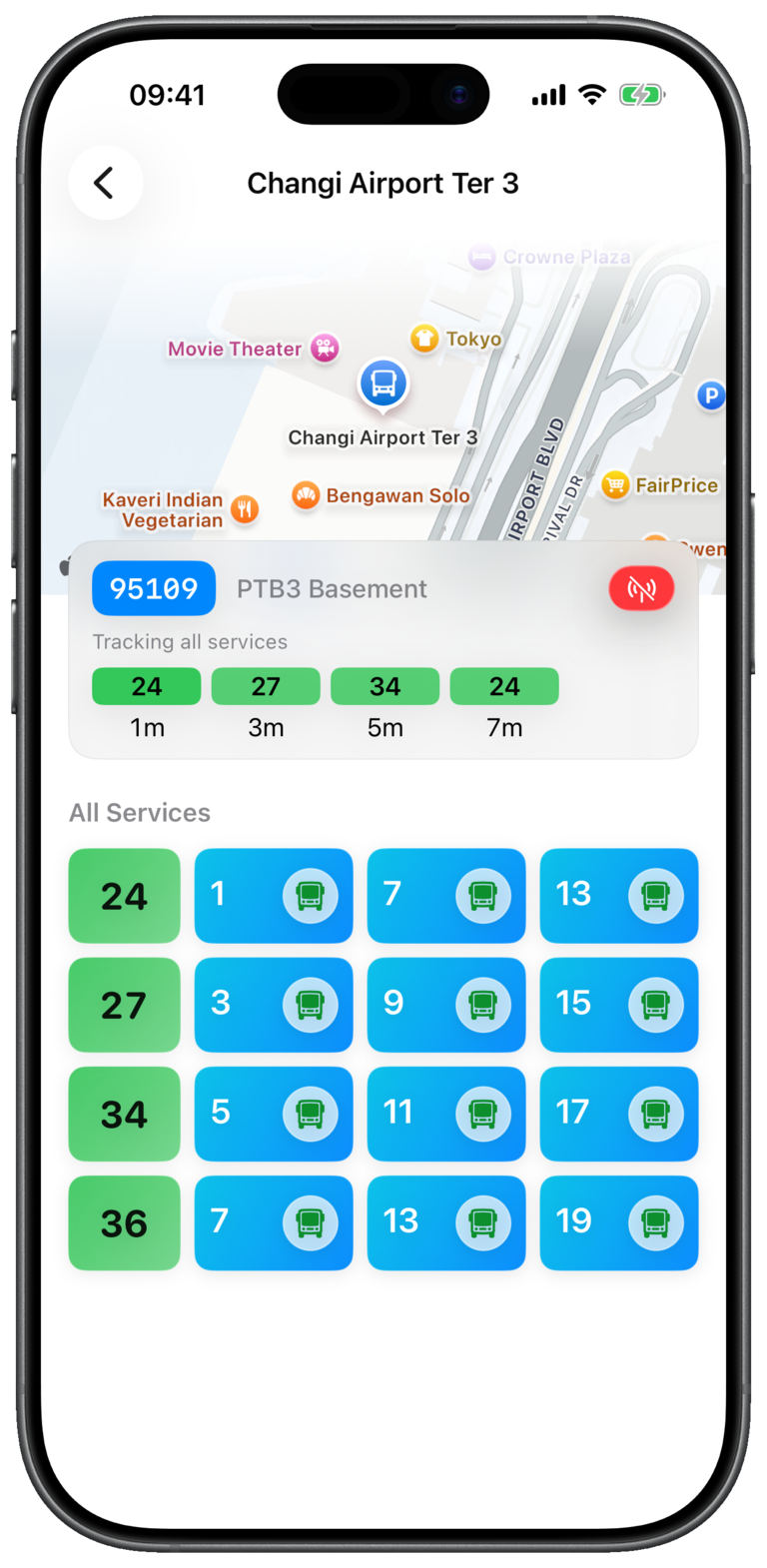
- 1Open a bus stop
Choose one from Nearby, Favorites, Search, or Map.
- 2Tap the Live Activity button
Find it in the bus stop header beside the stop information.
- 3Choose what to track
Select All services, or Favorites only when you have saved services at that stop.
- 4Check your Lock Screen
Your selected services and their next arrival estimates will appear there.
Adjust tracked services
Swipe a bus service row left, then use Track to add it or Stop to remove it from the current Live Activity.
Stop a Live Activity
Return to the same stop and tap the active Live Activity button in the stop header.
Check that Live Activities are allowed for Bus Atas SG in iPhone Settings. The button is disabled when the system setting is off.