Favorites
Keep your usual buses one tap away
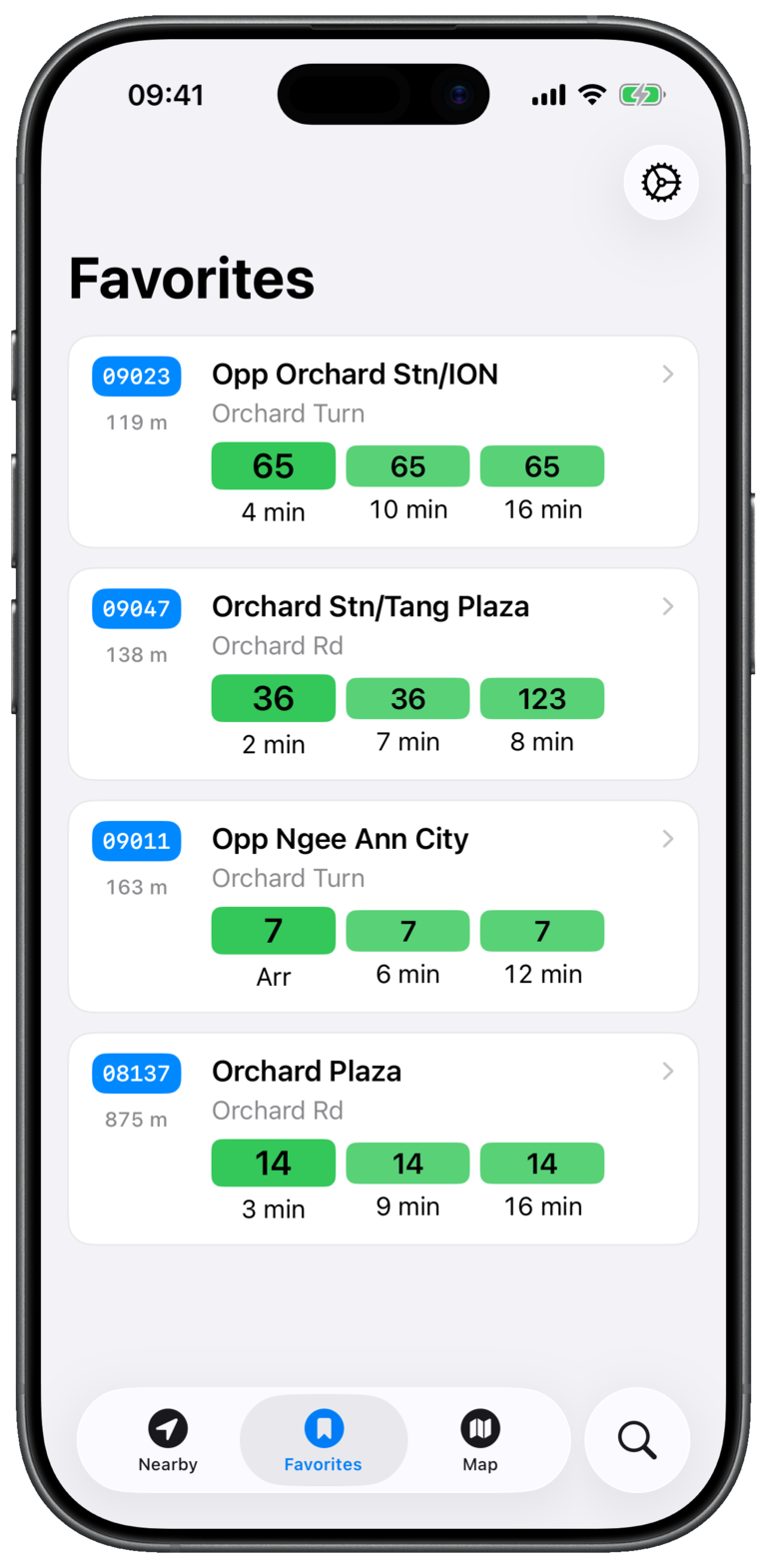
Save individual services and see their stops together in Favorites.
Add a favorite
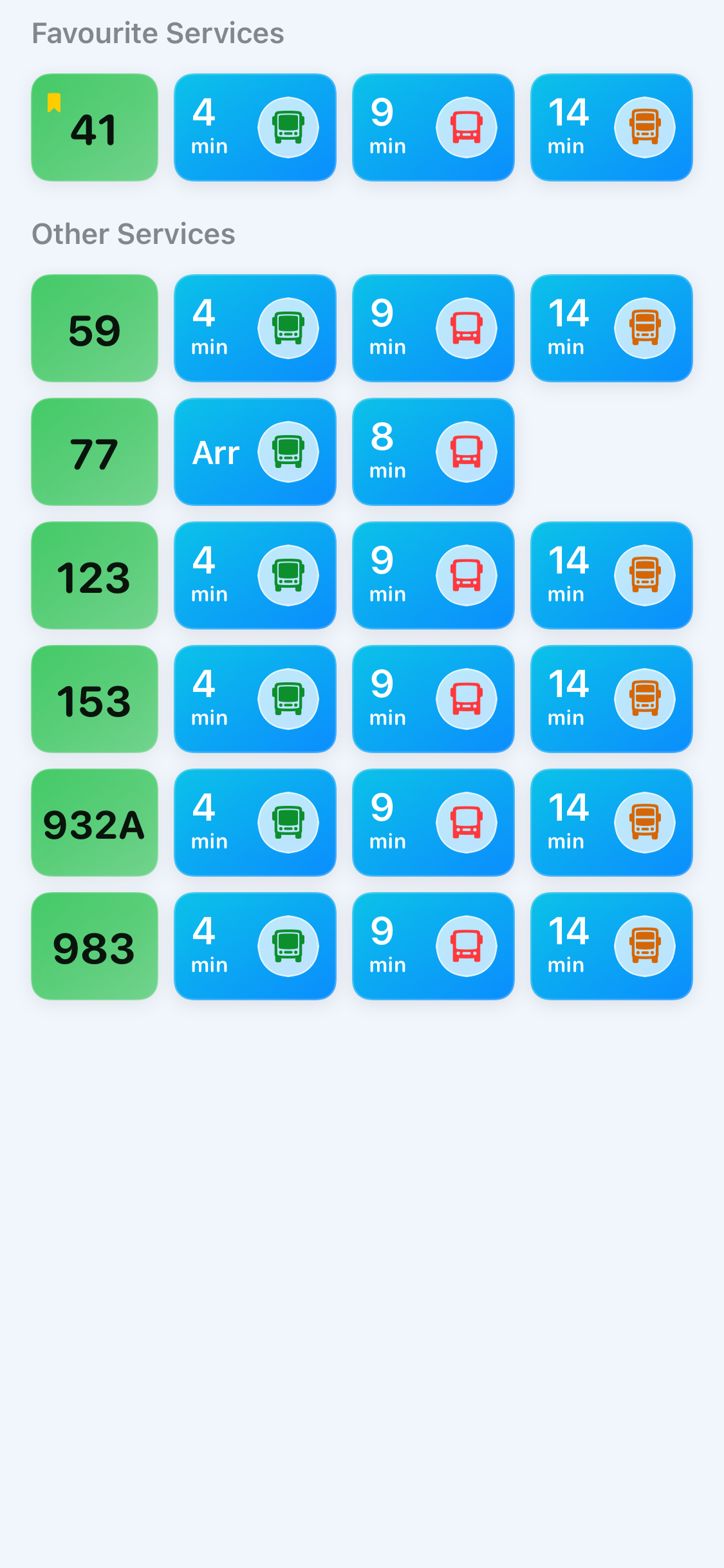
Favorites are saved per bus service, so each stop shows only the routes you care about.
- 1Open a bus stop
Find the stop through Nearby, Search, or Map, then open its arrival details.
- 2Swipe a bus service row left
The row reveals its quick actions.
- 3Tap Favorite
The service is marked with a bookmark and its stop appears in the Favorites tab.
Remove a favorite
Swipe the service row again and tap Unfavorite. If no saved services remain at that stop, the stop is removed from Favorites.
Use favorites with Live Activities
After saving at least one service at a stop, the Live Activity menu offers Favorites only. Choose it to keep unrelated services off your Lock Screen.
Good to know
Pull down on the Favorites screen whenever you want to refresh all displayed arrival estimates.