Arrival Design
Choose how arrivals look
Change the way bus types and arrival minutes are represented throughout the app.
Open appearance settings
Your selection applies anywhere arrival tiles appear, including supported widgets.
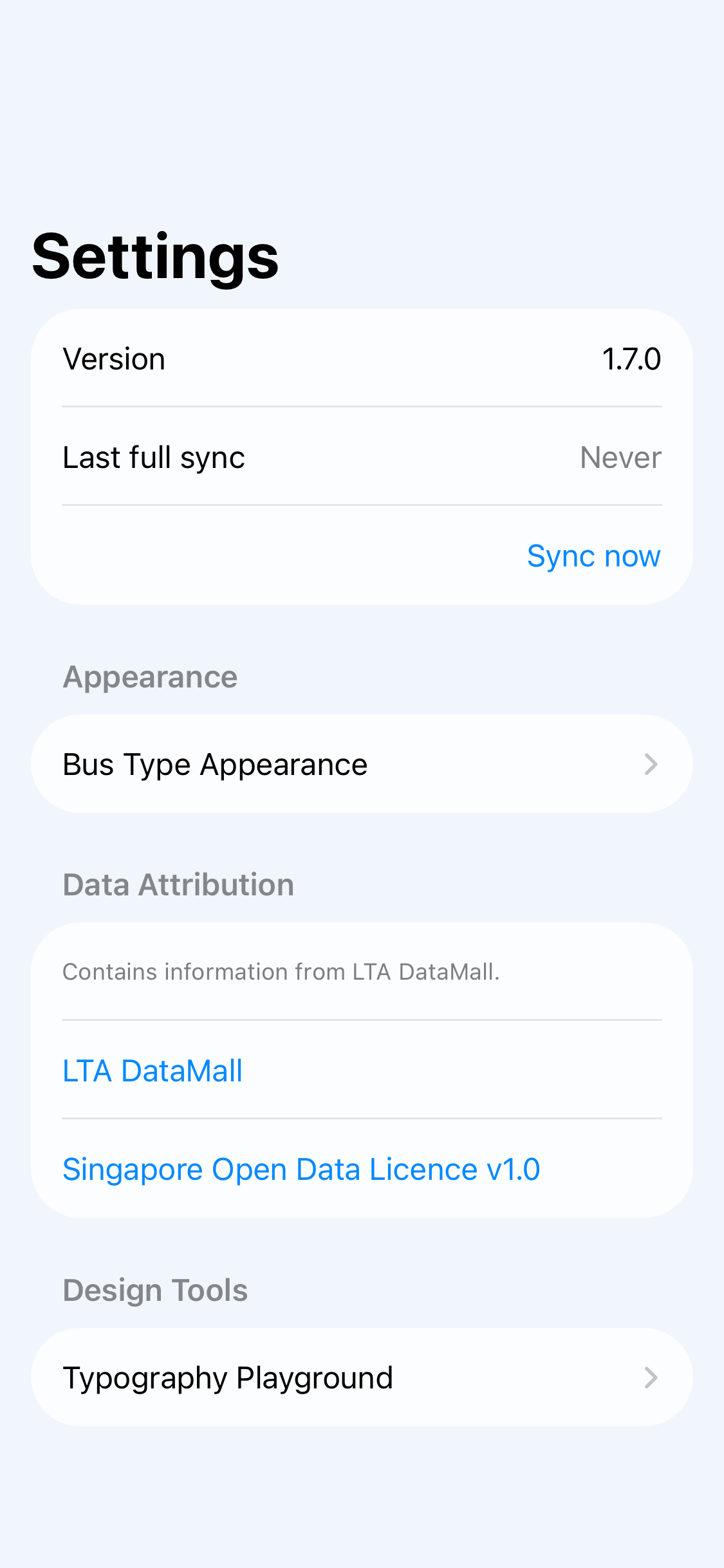
Nearby or Search→Settings ⚙→Bus Type Appearance
- 1Open Settings
Tap the gear button at the top of the Nearby or Search screen.
- 2Choose Bus Type Appearance
It is inside the Appearance section.
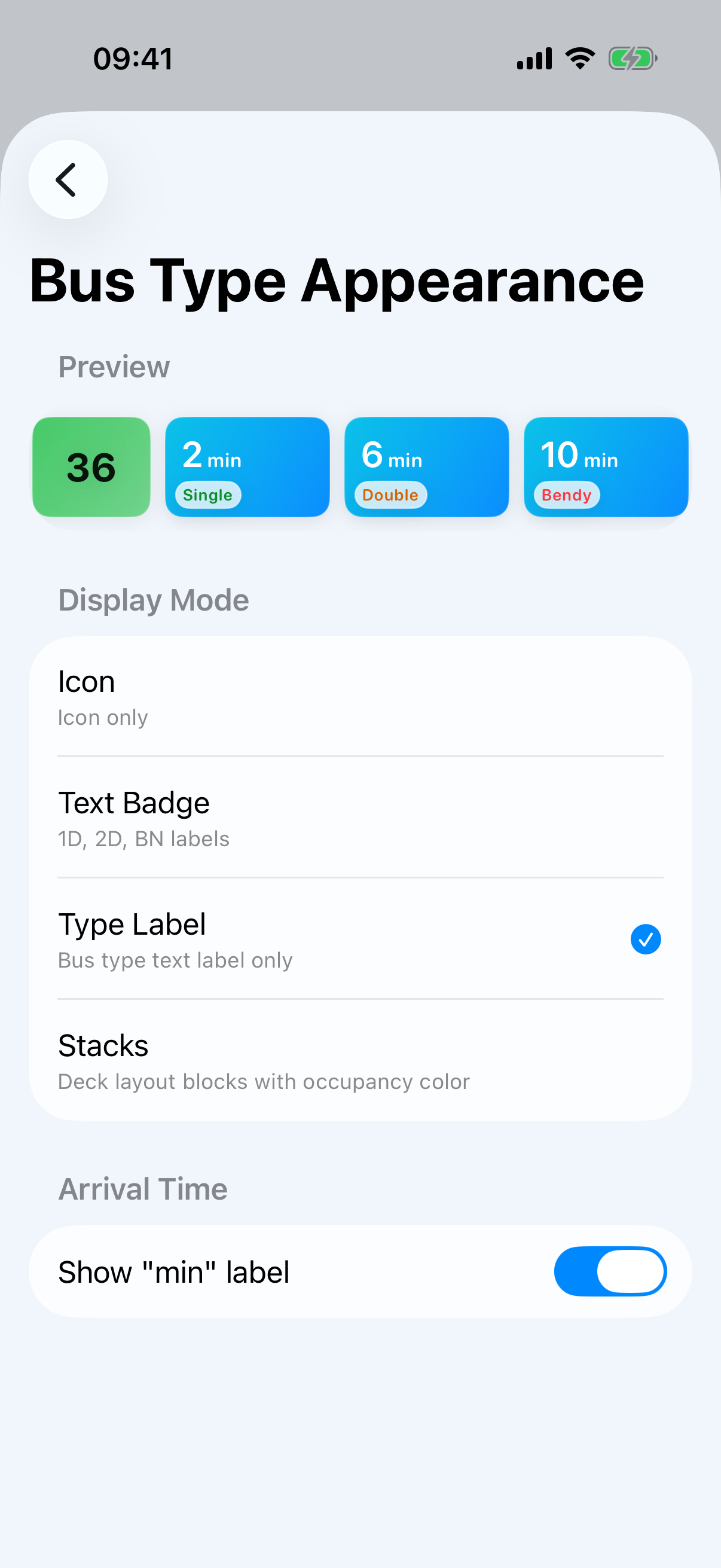
- 3Pick a display mode
The preview updates immediately so you can compare the options.
Display modes
Icon
A familiar bus symbol.
Text Badge
Compact 1D, 2D, and BN labels.
Type Label
The bus type written out.
Stacks
Deck blocks using occupancy color.
Show or hide “min”
On the same screen, turn Show “min” label on or off to choose between times such as “6 min” and a simpler “6”.
Preview before leaving
The sample service at the top reflects both your display-mode choice and the minute-label setting.